Job Seeker
Job search, match sorting, resume-aware application material, application tracking, learning gaps, recruiter visibility consent, a recordable video intro clip, and self-serve interview scheduling.
Talent Hire
Candidate search, hiring leads, recruiter network, job posting, AI-assisted job description drafting, pipeline, employer verification, interview scheduling, AI-drafted offer letters, job posting boosts, and external job-board syndication.
Company Workspace
Admin-enabled company workspace for internal hiring operations and public job availability when explicitly enabled.
Admin Controls
Countries, pricing, promotions, referrals, sponsored brand marketing, users, blocked accounts, feature flags, activity, support, QA, documents, and controlled demo pages.
OptimalAI Cost Control
Admin-controlled AI routing judgement that keeps standard eWork AI when it is cost-effective and uses the separate OptimalAI lane only when useful.
ROI & Marketing
Soft-launch ROI, country rollout, referral growth, sponsored placements, content channels, and support readiness gates.
Job Seeker Workspace
Job seekers use `/dashboard` to search jobs from enabled sources, compare match quality, prepare truthful application materials, and track applications.
- Loaded job results reset on a new search so old results do not stay mixed with the new search.
- Changing country clears the previous country, city, state, selected job, and results; selects enabled sources for the new country; and automatically reloads matches when resume or search context exists.
- Search history and job results are country-scoped. A slower request from a previously selected country cannot repopulate the visible list after the country changes.
- Job matches default to highest match score first, with user sorting available for match, compensation, recency, company, location, and source when available.
- Company-posted jobs can appear in normal job seeker search only when the employer workspace is active, verified, public availability is enabled, and the job post is active and public.
- Resume and job matching should explain fit and gaps; generated resume or cover-letter changes must stay grounded in the uploaded resume and user-provided facts.
- Recruiter visibility is off by default. Job seekers must explicitly opt in before limited profile signals can be used for recruiter discovery.
How eWorkConnections Compares
eWorkConnections is positioned as a country-aware career and hiring workflow, not as a claim to have a larger proprietary job inventory or professional network than established job sites.
LinkedIn, Indeed, ZipRecruiter
Stronger in marketplace scale, employer reach, professional-network effects, and native application volume. eWorkConnections adds a connected workflow around enabled sources, resume-aware matching, application preparation, tracking, referrals, and country administration.
Glassdoor
Stronger in established company reviews, salary submissions, and workplace discussion. eWorkConnections focuses more on moving from a matched job to a prepared and tracked application.
Teal
The closest job-seeker workflow comparison. Teal is stronger in its mature resume editor, templates, and browser extension; eWorkConnections is broader in recruiter, verified company, referral, international rollout, financial, and operational admin workflows.
eWorkConnections wedge
Multi-source and verified-company discovery, country-aware matching, truthful application documents, job tracking, recruiter consent, company verification, referrals, and staged international operations in one platform.
- Do not claim more jobs than Indeed, a larger network than LinkedIn, or guaranteed interviews or hires.
- Measure and publish country coverage, job freshness, active-link quality, useful-search rate, applications, interviews, recruiter responses, and hires before making outcome claims.
- Product comparison details and official references are maintained in docs/competitive-landscape.md.
Talent Hire And Recruiter Workspace
Recruiters use `/recruiter` for candidate discovery, company hiring leads, job posting, job description drafting, outreach, comparisons, and pipeline follow-up.
- Employer verification is admin-reviewed. Recruiters can submit company details, business email, and a public business profile, but they cannot self-approve verification.
- Active job posts require employer verification. Draft, active, paused, closed, and deleted states are supported.
- Job posts support full-time, part-time, contract, temporary, internship, remote, hybrid, onsite, compensation range, benefits, certifications, travel, visa, clearance, and other optional facts where the form provides them.
- AI-assisted job descriptions can help draft or refine posting language, but recruiters must confirm the recommendation before saving and should not invent facts.
- Pipeline and intro workflows are designed around consented job seekers and public professional information, with contact details limited by privacy rules.
- Candidate search covers on-platform, consent-based profiles plus optional public sources (LinkedIn, GitHub, job boards, and the open web); which public sources are available depends on the recruiter plan.
Company Workspace
Admin enablement
Company Workspace is controlled by the `company_workspace_enabled` feature flag. It is off by default until the database tables and policies are applied.
Internal hiring
A recruiter can maintain a company workspace, member list, company job list, and pipeline summary scoped to that employer workspace.
Admin approval
Admins can use the Companies tab to approve, request more information, pause, disable, and control public job availability for employer workspaces.
External availability
Normal job seekers see company-posted jobs only when the workspace is active, verified, explicitly allows public job availability, and the job is active with public visibility.
Internal applications
Employees or job seekers can apply to company workspace jobs inside eWorkConnections; linked applications appear back in the recruiter company workspace.
Admin And Super Admin Controls
- Admin user management includes role access, country scope, trial controls, job seeker recruiter-consent checkbox, employer verification status, and block/unblock actions.
- Promotion controls support default 0 percent selection, one active country/global promotion at a time, and super-admin user-specific promotions for selected users.
- Marketing controls support referral programs with country/user scope, Stripe referral codes, program conversion caps, default per-user caps, and per-user referral link overrides.
- Companies tab lets admins list, approve, pause, disable, note, and control public job availability for employer workspaces.
- Sponsored brand marketing lets admins publish approved external brand placements with clear Sponsored labeling, destination URL, country scope, active dates, and no third-party ad scripts by default.
- Feature flags control registration requirements, recruiter launch, company workspace, homepage services, source visibility, maintenance, QA/dev workflow, and regulated sections.
- OptimalAI cost optimizer is a platform capability switch. When enabled, eWork classifies AI tasks automatically, keeps the standard eWork path when it is cost-effective, and may use the separate OptimalAI router only for eligible lower-cost routing with fallback.
- API Budget Tracker compares actual spend with a no-optimizer/frontier baseline and shows projected savings from optimized routing.
- Admin search lets operators jump directly to Feature Flags, Support, Companies, Marketing, Documents, and other sections without scanning the full sidebar.
- Country pricing can be configured per market and falls back to USA pricing if a visitor country does not yet have a specific price.
- Support SMS routing can be configured globally or by country for urgent escalations, while normal support tickets remain visible in Admin.
- User Activity is expected to auto-load in Admin and summarize user activity, including total time spent where tracking data is available.
- The isolated `/page_ceo` demo page is controlled from Admin and can be enabled, disabled, and protected with an admin-managed passcode.
Career Bot Voice Policy
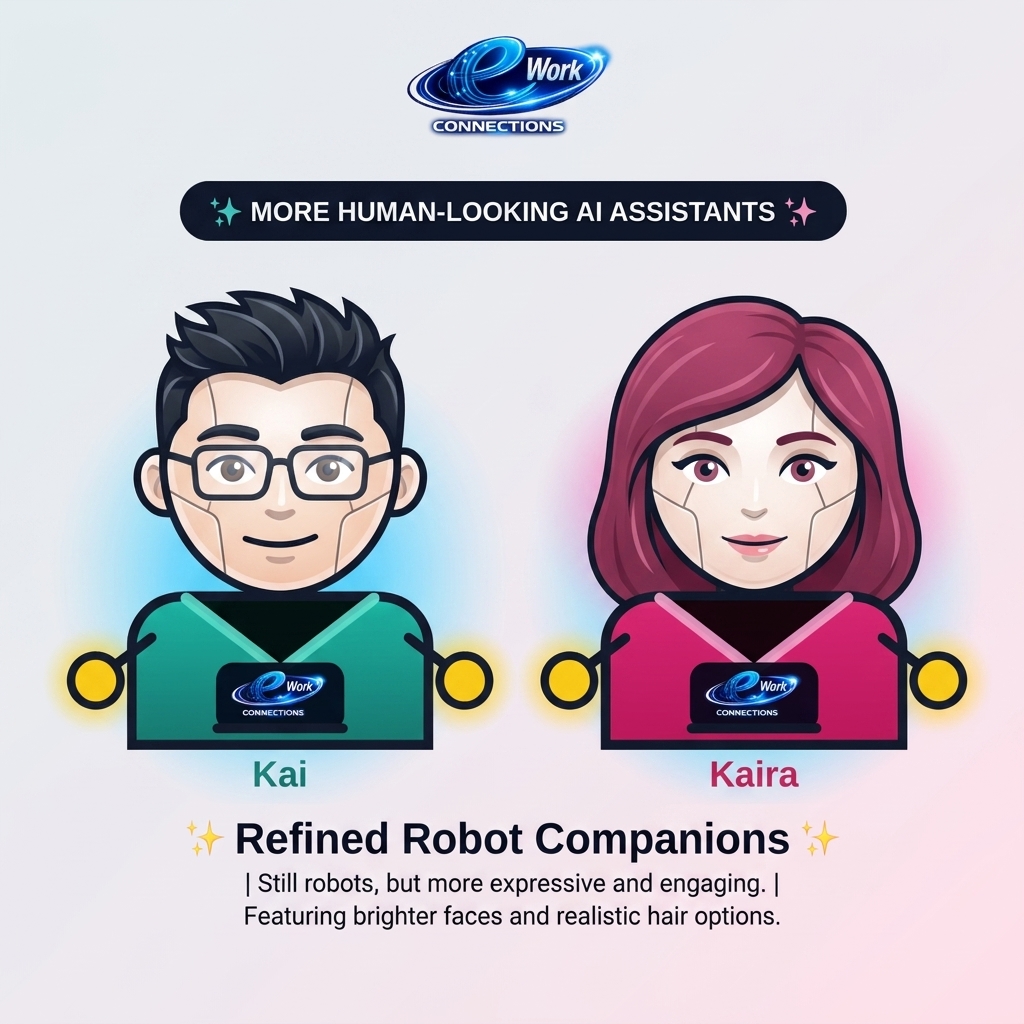
- Career Bot/robot rollout is controlled by Admin and may be limited to super admins, admins, normal users, or off.
- If the robot feature is enabled and a user chooses voice, the robot introduces the app, shows the voice policy on screen, offers a Hear policy voice-over button, and requires Accept voice before microphone interaction.
- Voice interaction is optional. Text commands remain available if the user chooses Text only, denies microphone permission, or the device does not support speech recognition.
- The robot should not perform background listening and should not store raw audio recordings, video recordings, or biometric voiceprints.
- The installed app and website use the same robot route and privacy policy; app visibility depends on the robot rollout flag and the signed-in user role.
- Signed-in guests (logged-out visitors) are controlled by a separate rollout switch from signed-in users, so the robot can reach every account holder without simultaneously opening to public traffic.
- The robot answers both product commands and general questions (small talk, current time, and similar), and labels each reply as an instant scripted answer or an AI-reasoned answer.
OptimalAI Cost Optimizer
OptimalAI remains a separate product lane, but eWorkConnections can use it internally as an optional AI routing layer when enabled by Admin.
- The `optimalai_cost_optimizer_enabled` platform capability is off by default.
- When enabled, users do not manually pick models. eWork classifies each AI task and decides whether standard eWork AI is already the best cost/quality choice.
- For high-quality tasks such as resume tailoring, job/candidate matching, evidence-sensitive analysis, and interview feedback, eWork keeps the safer standard path unless the OptimalAI router returns a compatible response.
- For low-risk short drafting, support, summaries, and similar tasks, eWork may choose a lower-cost model or call the separate OptimalAI router if configured.
- If OptimalAI is unavailable, misconfigured, or not cheaper for the task, eWork falls back to the current AI path so core functionality does not break.
- Budget tracking shows actual spend, no-optimizer baseline, and projected savings so the business case is visible before relying on routing at scale.
QA, Support, And Issue Summaries
QA Employee Agent
Runs scheduled smoke/regression checks, writes QA artifacts, and creates GitHub defect issues when configured. It runs in report mode unless strict QA is explicitly enabled.
Employee Agent
Reads unresolved event-log items, separates bugs from suggestions, creates developer issues, and emails owners when the Issue reporting email flag is on.
Daily P0/P1 Summary
Sends a daily high-priority issue summary from `app_event_logs` and `support_tickets`, sorted by P0 first and then newest P1 items.
Admin Controls
Admins review items in Support and Event Log, mark them resolved or dismissed, and can disable product-side issue emails from Feature Flags.
ROI And Marketing Plan
The platform should launch as a measured workflow product rather than a broad job-board replacement. ROI depends on useful-search rate, recruiter conversion, low AI cost per useful outcome, country-specific pricing, and repeat usage.
- Primary wedge: help users turn job and talent discovery into action through matching, resume support, job posting, employer verification, pipeline, tracking, and support.
- Launch markets: USA and India first, Colombia as a Latin America learning market, then expand only when search quality, pricing, compliance, and support readiness pass.
- Revenue levers: recruiter subscriptions, job seeker premium tools, country-specific pricing, user-specific promotions, referral discounts, sponsored brand placements, verified company workspaces, and future direct-posting services.
- Marketing channels: LinkedIn founder network, recruiter communities, alumni/job seeker groups, short demo videos, referral links, partner career coaches, and training/provider relationships.
- Readiness gates: production auth, country pricing, employer verification, recruiter consent, active job search quality, admin/support flow, daily P0/P1 summary, and budget guard must be stable before paid scale.
Staging And Production
Production uses the normal Vercel environment variables. Staging must use `NEXT_PUBLIC_EWC_ENV=staging` and `_STAGING` variable names so it never points at production by accident.
- Main branch remains production.
- Staging branch is for upcoming feature development and preview testing.
- Bug fixes that affect production should land on main and then be mirrored to staging.
- Staging Supabase, Stripe, Anthropic, Resend, and job-source keys should be separate where possible.
- Promotion from staging to production is a code merge/review process, not an in-app database variable switch.
Database Setup Required For Latest Features
The latest feature set needs the newest `lib/schema.sql` sections applied in Supabase before all controls work.
- User-specific promotions: `user_promotion_assignments`.
- Referrals: `referral_programs`, `referral_codes`, `referral_events`, and the `referrals_enabled` feature flag.
- Recruiter pipeline: `recruiter_pipeline_items` and `recruiter_pipeline_events`.
- Company workspace: `company_workspaces` and `company_workspace_members`.
- Sponsored brand marketing: `brand_marketing_campaigns` and the `brand_marketing_enabled` feature flag.
- Feature flag seed: `company_workspace_enabled`.
- Support and issue summary data: `app_event_logs`, `support_tickets`, and `support_alert_settings`.
- Profiles policy/trigger updates that prevent self-approval of recruiter verification.
- Interview Scheduling (Sept 2026): `supabase/migrations/202609120003_interview_schedules.sql`.
- Job Posting Boost/Sponsorship (Sept 2026): `supabase/migrations/202609120004_job_post_boosts.sql` and the `job_boost_enabled` feature flag.
- Job Syndication (Sept 2026): `supabase/migrations/202609120005_job_feed_token.sql` and the `job_syndication_enabled` feature flag.
- Video Resume / Intro Clip (Sept 2026): `supabase/migrations/202609120006_video_intro.sql` (also creates a Storage bucket) and the `video_intro_enabled` feature flag.
- ATS Auto-Apply credential storage (Sept 2026): `supabase/migrations/202609120007_ats_connection_credentials.sql`; direct submission is live for Lever only under the existing `ats_direct_apply_enabled` flag.
- Employer Reviews (Sept 2026): `supabase/migrations/202609120008_employer_reviews.sql` and the `employer_reviews_enabled` feature flag.
Test Results
Second live retest pass across Public Pages, Job Seeker Dashboard, Recruiter + Company Workspace, Admin Console, and Career Bot (Kai/Kaira), run August 8, 2026 after shipping the peer/recruiter connect-request notification feature. All 43 checklist items pass; 13 tracked issues total (up from 11), including 1 new bug found and fixed during this pass and 1 new finding flagged for follow-up. 2 issues remain open pending owner action outside the codebase.